


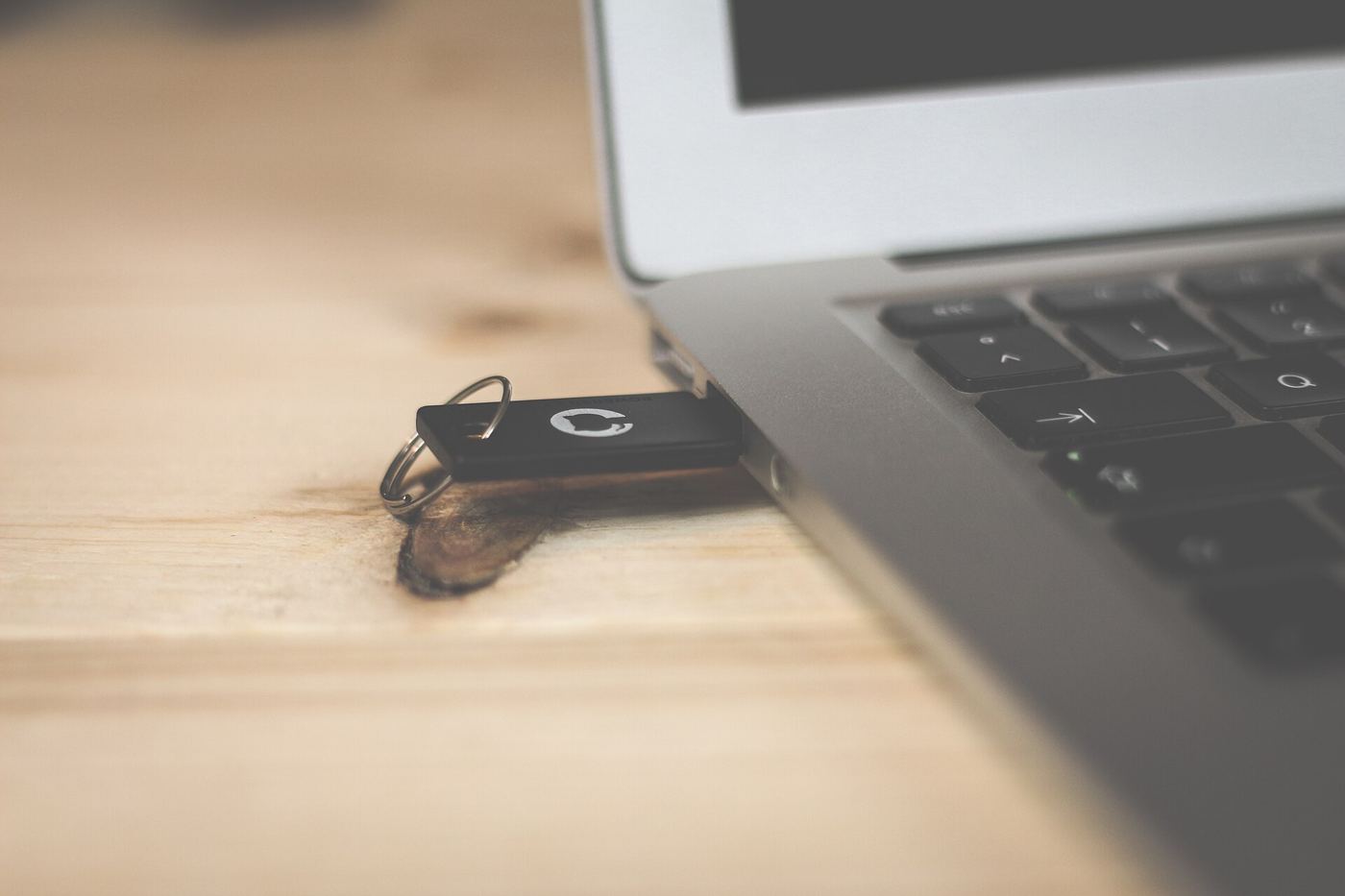
There is a particular kind of curiosity that strikes people who love well-made things. You hear that Linux is fast, free and quietly powering most of the world’s servers, and you wonder what it feels like to use — but not enough to risk the computer you rely on every day. Good news: you do not have to change a thing. A single USB stick, prepared with unetbootin, lets you spend an afternoon inside Linux and return to your familiar desktop as if nothing happened.
The Beauty of the Live Session
Most Linux distributions offer a “live” mode: the whole system runs from the USB stick and your hard drive is never touched. Browse the web, open the software store, try the word processor, see how your printer behaves. When you shut down and remove the stick, your computer is exactly as you left it. It is the software equivalent of a test drive with no salesman in sight.
Making Your Tasting Flight
You will need a USB stick of 8 GB or more and about fifteen unhurried minutes. Choose a distribution known for a gentle welcome — Linux Mint and Ubuntu are the usual recommendations for newcomers — and download its ISO file. Open the tool, pick Diskimage, point it to the ISO, confirm the target is your USB stick (it will be erased), and let it work. The official site, unetbootinn.com, also lists distributions the program can fetch for you automatically, which is a pleasant shortcut for a first attempt.
What to Do During Your Visit
Resist the urge to judge Linux in the first five minutes; every new place feels foreign at first. Instead, do real things. Connect to your Wi-Fi. Open a few documents you actually use. Try installing a program from the software centre — it is closer to a phone’s app store than to the download roulette many people remember. Check that your everyday peripherals work. And notice the quiet: no pop-ups begging for subscriptions, no fans roaring during simple tasks.
If You Fall in Love
Plenty of test drives end in adoption, and the path is gentle: the same stick that hosted your visit can install the system alongside your current one, or replace it entirely when you are ready. And if Linux is not for you, format the stick and the experiment has cost you an afternoon and nothing else. Small-batch software, honestly made and freely shared, rewards the curious — and curiosity is all this project asks for.
A Note on Choosing Your First Flavour
If indecision strikes at the download page, a few gentle rules help. Choose a distribution with a large, patient community, because your questions have all been asked before and answered kindly. Prefer the long-term-support release over the newest experiment; stability is a kindness to beginners. Match the desktop to your taste rather than to fashion — some people love a traditional layout with a menu in the corner, others enjoy something more minimal — because you will spend your visit looking at it. And remember that the choice is reversible in a way few decisions are: another flavour costs another fifteen minutes and the same stick. Sampling is the whole spirit of the exercise, so feel free to taste more than one.
Related reading: The Quiet Race to Mine the Moon Has Begun
